Features
Features
What PEK TV does today, taken from the code and its docs. It is in beta, so some edges are still rough.
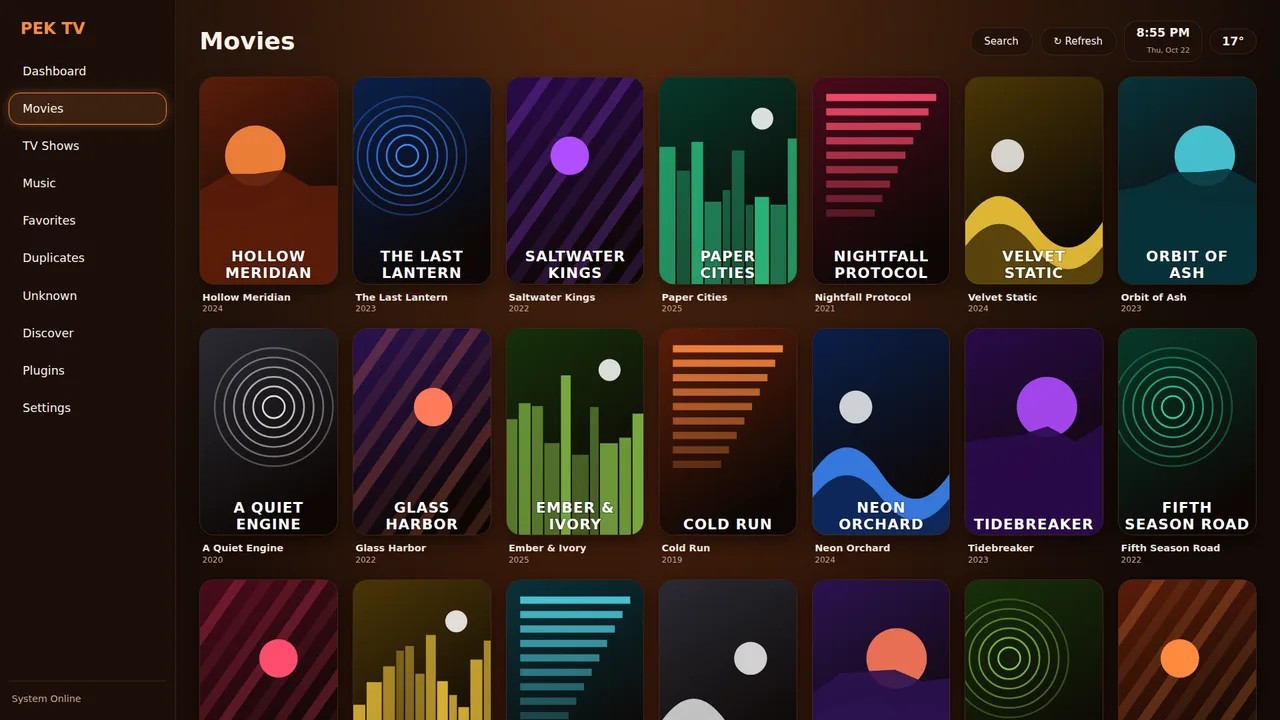
Library
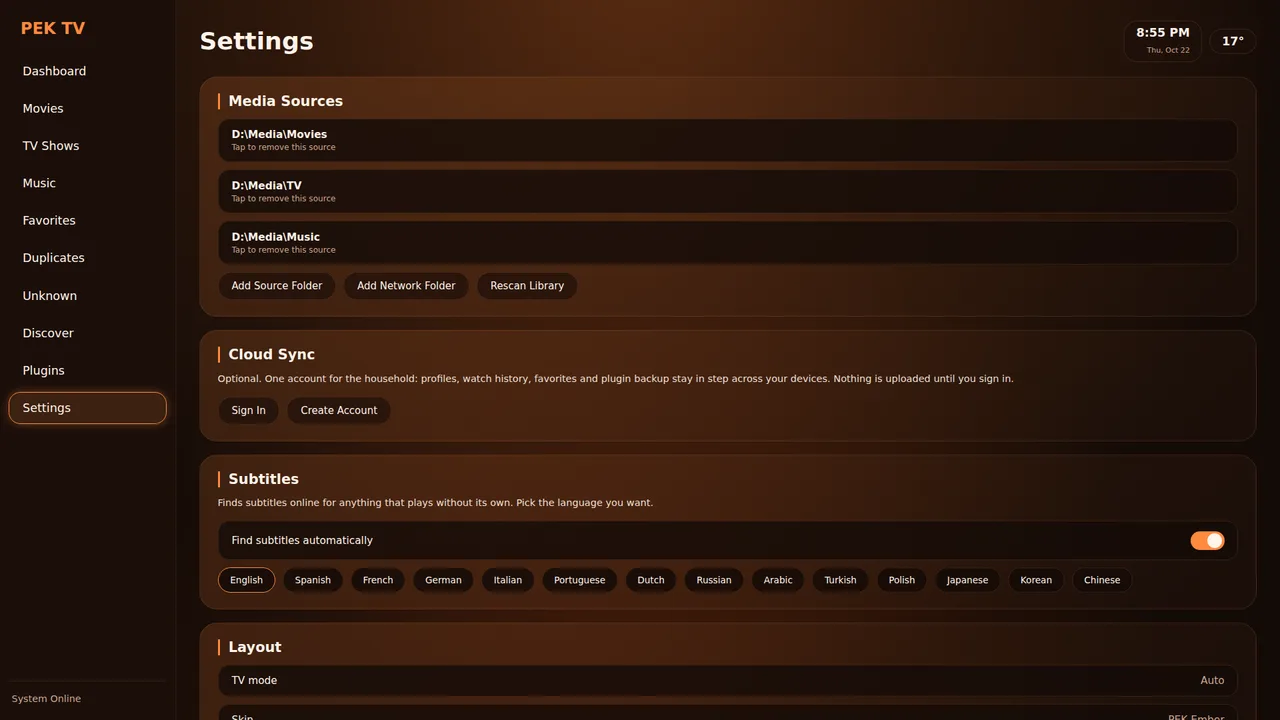
- Local folders plus SMB, NFS, FTP, WebDAV and UPnP/DLNA, with automatic discovery of devices on your network.
- Reads Kodi-style
.nfofiles and artwork first (also from Radarr, Sonarr, tinyMediaManager); TMDb is only asked for what is still missing. - Search by title, actor, genre, year, director, studio or collection: type "tom hanks" or "drama 1995".
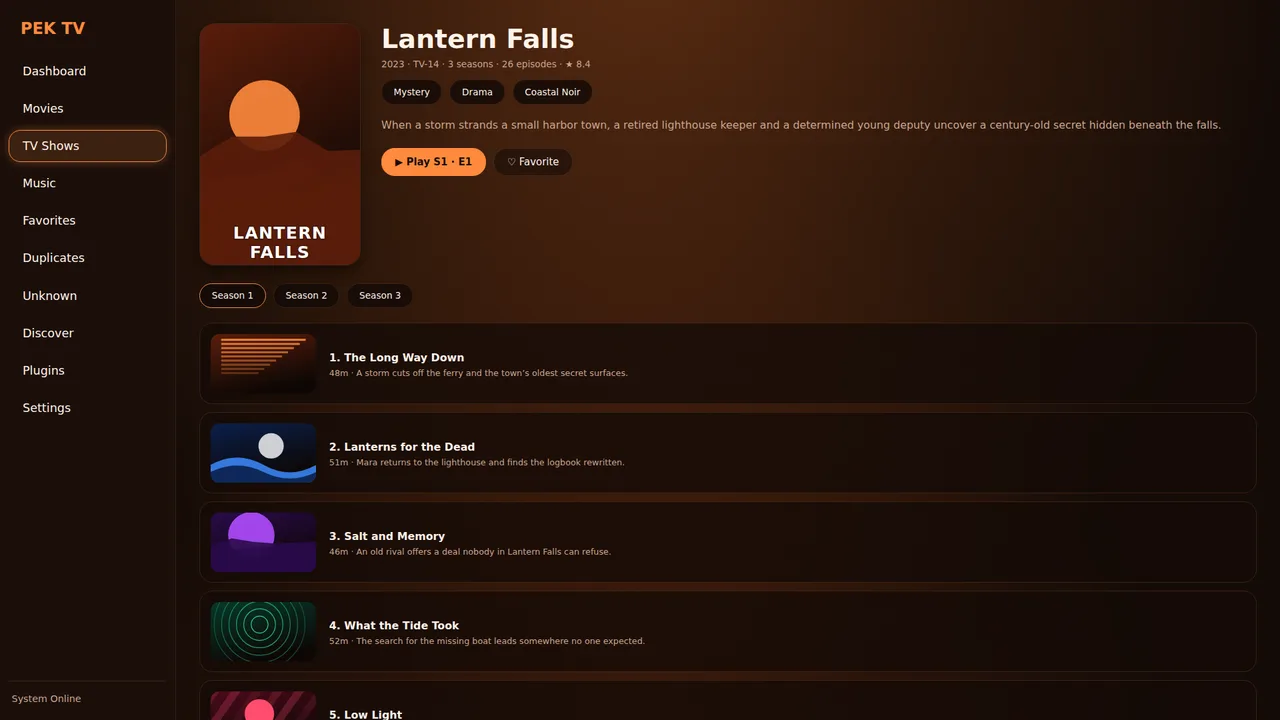
- Show, season and episode pages with expandable synopsis, stills and a watched tick on each episode.
- Duplicates and Unknown pages help you clean up the library; files over 4 GB stream fine, even on 32-bit builds.
- Nothing is ever written to your folders.
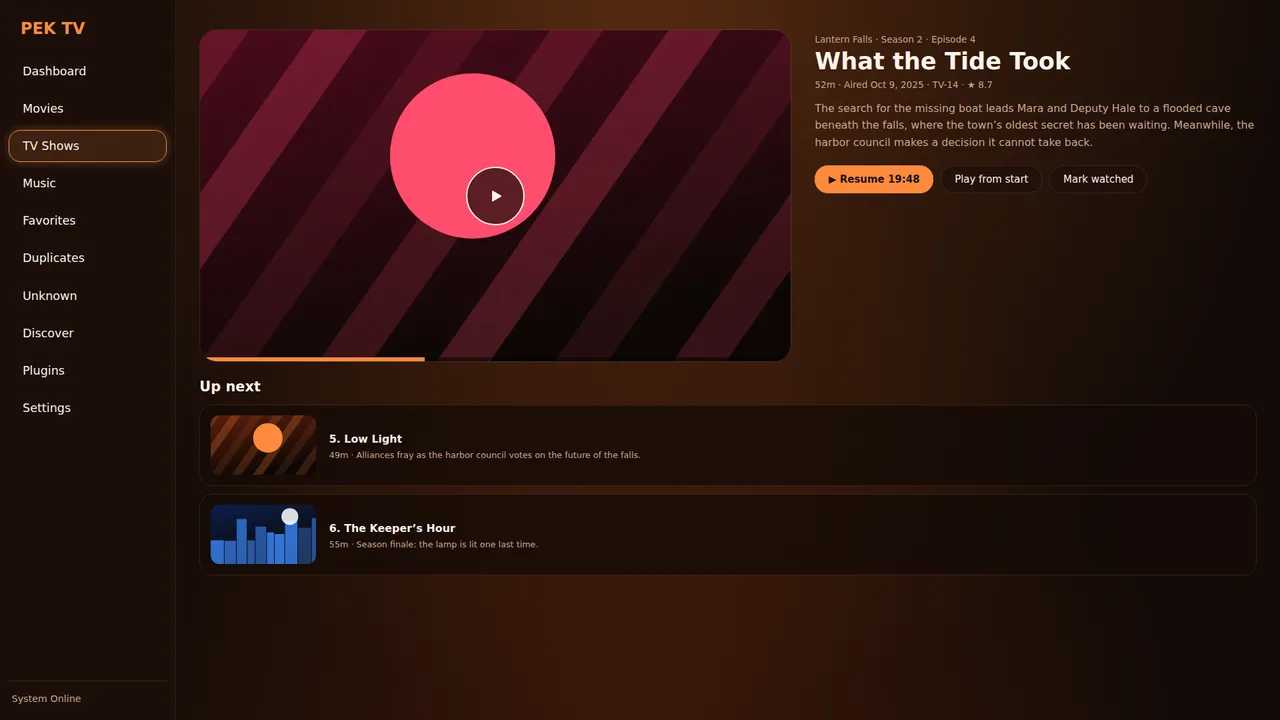
Playback
- libmpv engine with audio and subtitle pickers, buffering indicator and auto-hiding controls.
- Automatic subtitles: if a file has none, the best match is downloaded and switched on, with a manual "Find subtitles online" list. No account needed.
- Skip Intro / Skip Recap (file chapters first, then an online database) and an Up Next card in the last 5 minutes.
- Resume Watching, also from other devices when signed in to PEK Cloud.
- Video output options: match refresh rate and HDR; audio output with Dolby / DTS passthrough.
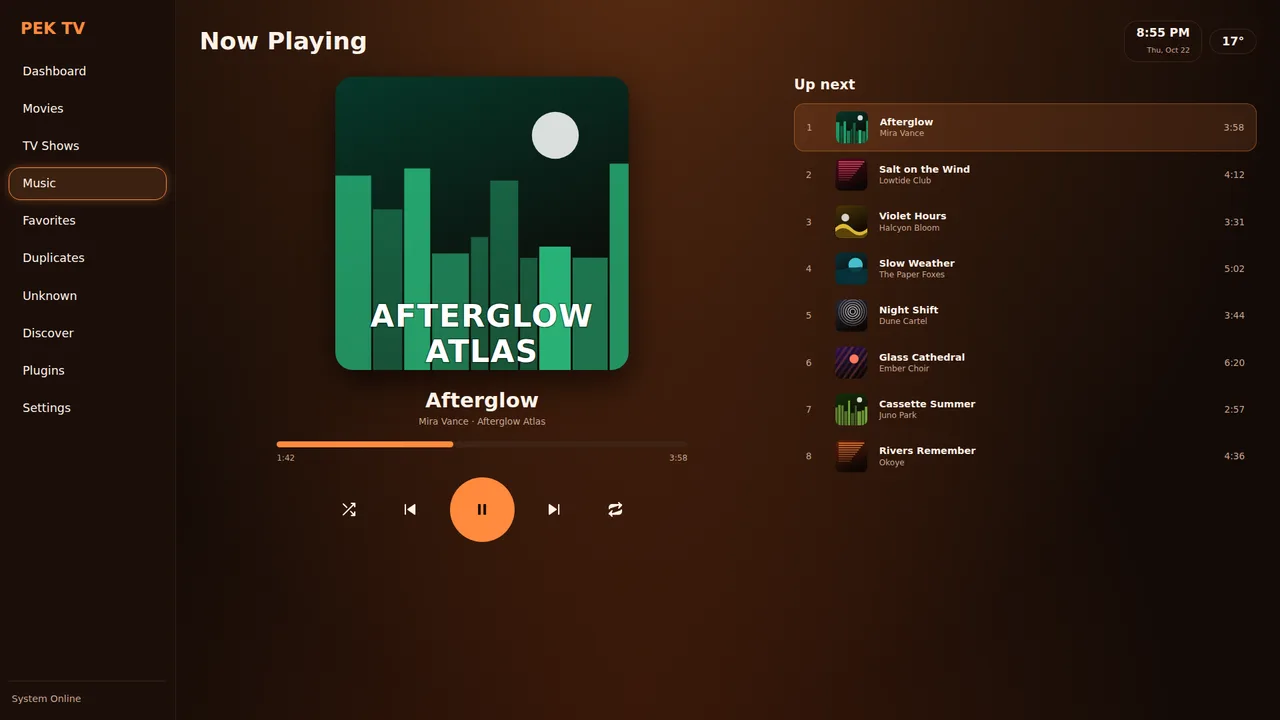
Music
- Albums, Artists, Songs, Playlists and Search over the same folders as your movies.
- Tags and covers are read straight from MP3, FLAC, Ogg Vorbis/Opus and M4A; folder layout fills the gaps.
- Queue, shuffle, repeat, 15-second skips, play next, drag-to-reorder playlists, and a full-screen player with time-synced lyrics.
- Optional online art (artist photos, covers) from Deezer and iTunes search, off by default.
- Plays MP3, AAC, FLAC, Ogg, Opus, WAV, WMA, APE, WavPack, AIFF and ALAC.
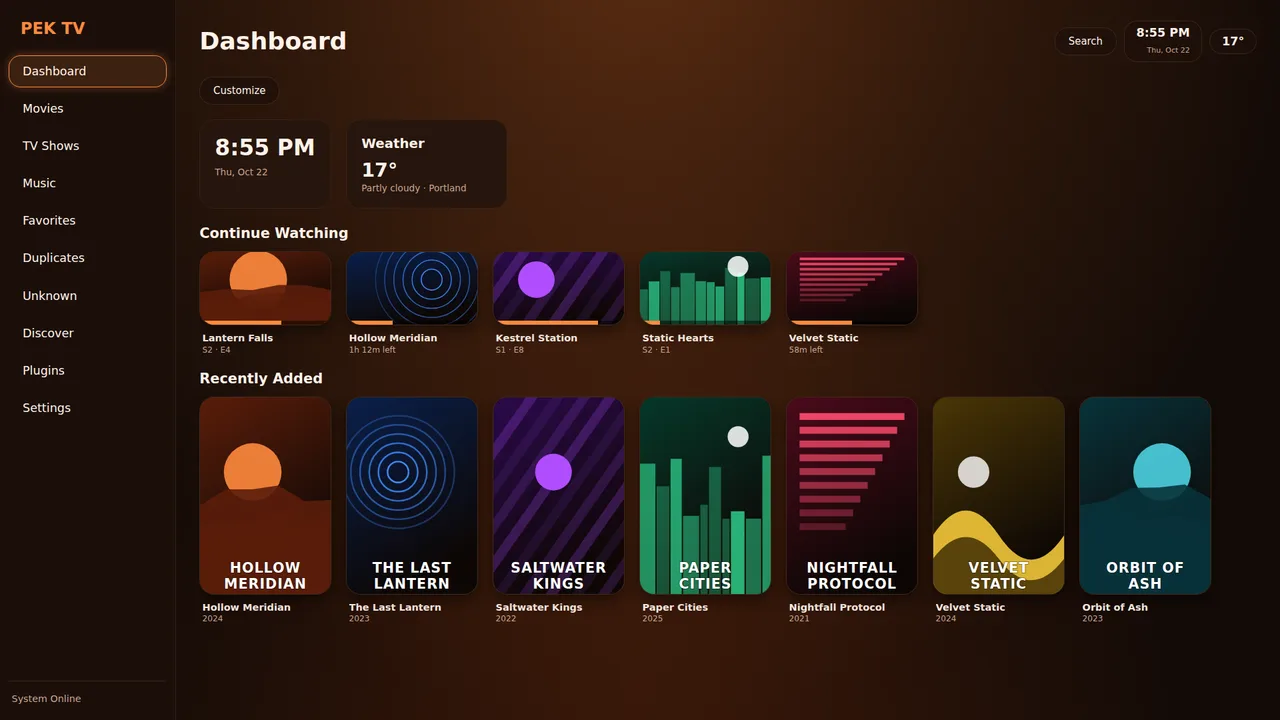
Interface
- One app for phone and TV: swipe between Home, Movies, Shows, Music and More on a phone; sidebar and D-pad focus on a TV.
- TV mode with a 10-foot look, bold focus ring, adjustable screen margins and gamepad support.
- Four layouts (Classic, Top bar, Wall, Compact) and poster-size settings, per profile.
- A dashboard you design: Clock (38 time zones), Weather, Continue Watching, Recently Added, Favorites and plugin tiles.
- Online/offline indicator, offline caches for posters and lists, and a status line that says what the app is doing.
Profiles & cloud
- Up to 5 profiles, each with its own history, resume points, favorites, skin and layout, and an optional 4-digit passcode.
- Optional PEK Cloud account: sign in with a code sent by email; history, resume points, favorites, skins and plugin backups sync between devices.
- No account is needed to use the app.
Plugins & skins
- Sandboxed Python plugins that describe screens as data. Each declares permissions and hosts; the install screen explains them.
- Install from the PEK Store, a .zip, or any public GitHub repository.
- Skins change colours and corner size and can never run code. Make one with the in-app Skin Maker or from the command line.
- Official plugins: Weather, TMDb Discover, Skin Maker; plus Trakt for scrobbling, history, ratings and favorites.
Why people move from Kodi
Differences in how the projects are built, not a claim that one replaces the other.
Safer extensions
Permission-declared, sandboxed, scanned plugins.
Less setup
Subtitles, metadata and updates are automatic.
Phone to TV
One Flutter UI that adapts to both.
Trakt, same account
Keep the Trakt history you built up with Kodi.